
 // FEATURED POST
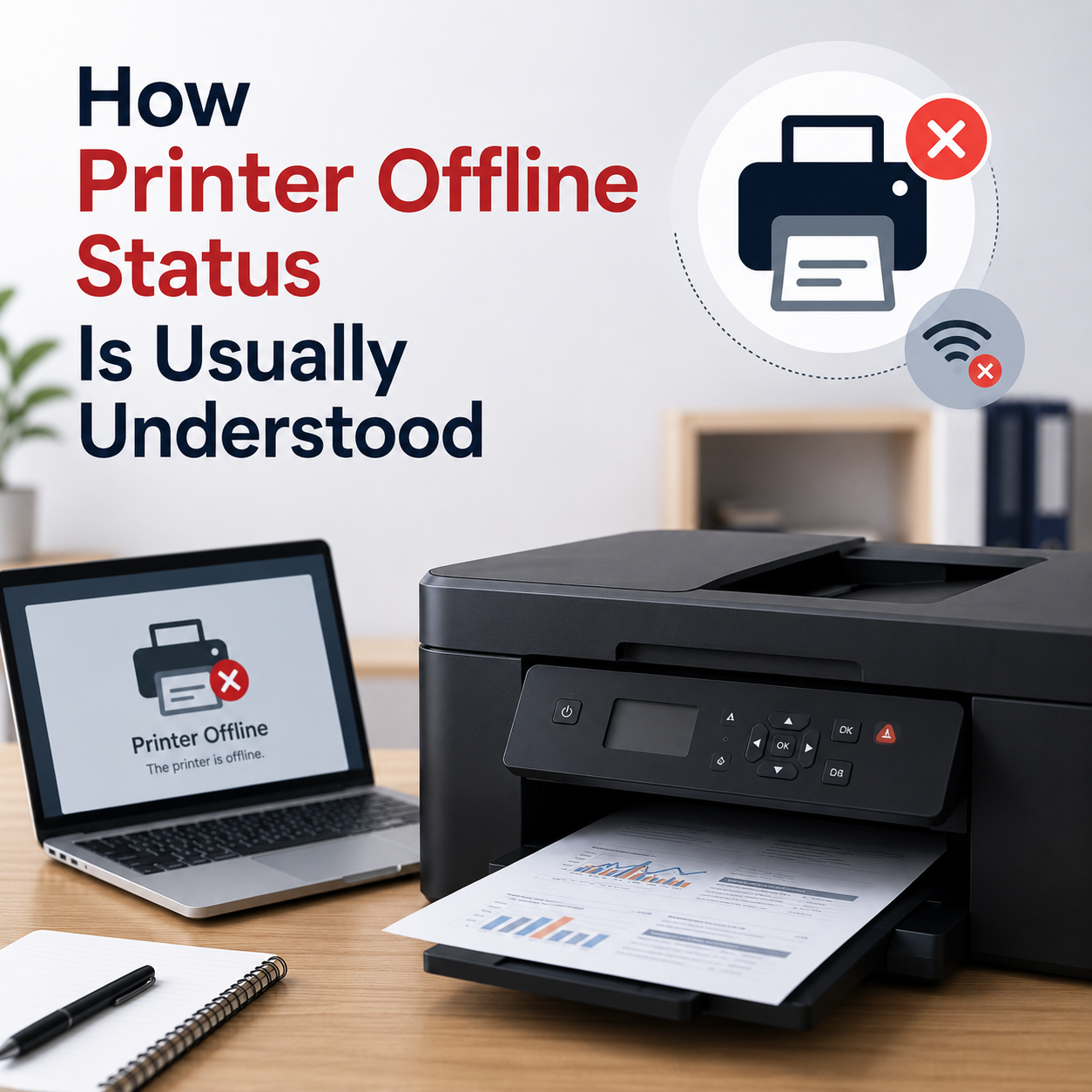
How Printer Offline Status Is Usually Understood
When your computer reports a printer offline status, it indicates that the system is unable to establish an active, bi-directional data connection with the hardware spooler. This state can stem from simple physical interface disconnects to deep network gateway IP conflicts.
Offline Status Meanings
Learn why printer status changes from active to offline routing.
Spooler Lockups
Understand how stuck documents block print signal paths.
Wi-Fi Connection Paths
Diagnose local wireless gateway mismatch and router logs.
OEM Driver Setups
Learn how manufacturer setup profiles align with device ports.
Explore by topic.
Every guide is written for learning and general awareness only.
How Printer Offline Status Is Usually Understood
Learn what printer offline status may mean, how print queues work, why connection status matters, and how printer settings are commonly shown in Windows.
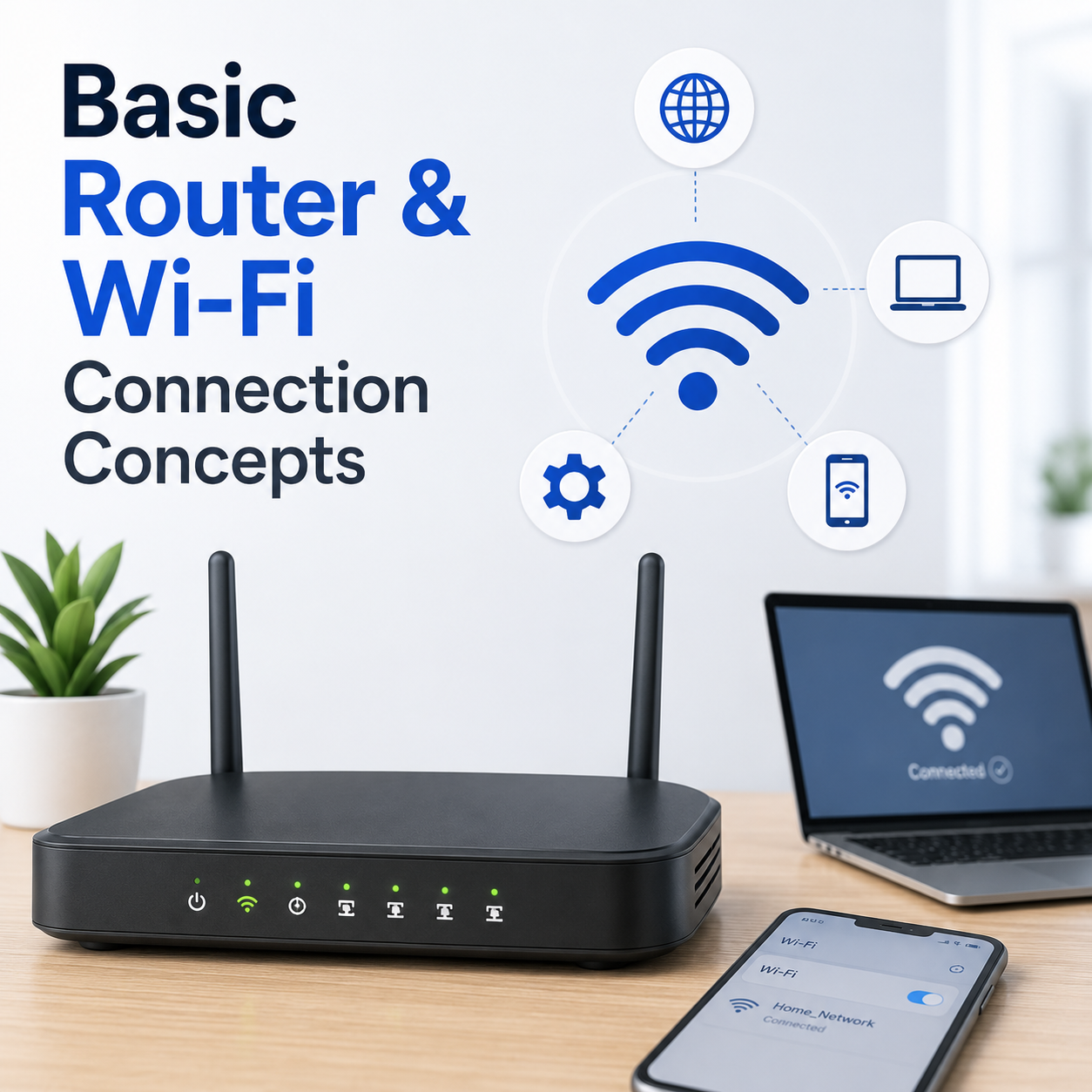
Basic Router and Wi-Fi Connection Concepts
Understand Wi-Fi signals, router lights, network names, connection status, connected devices, and common limited connectivity messages.
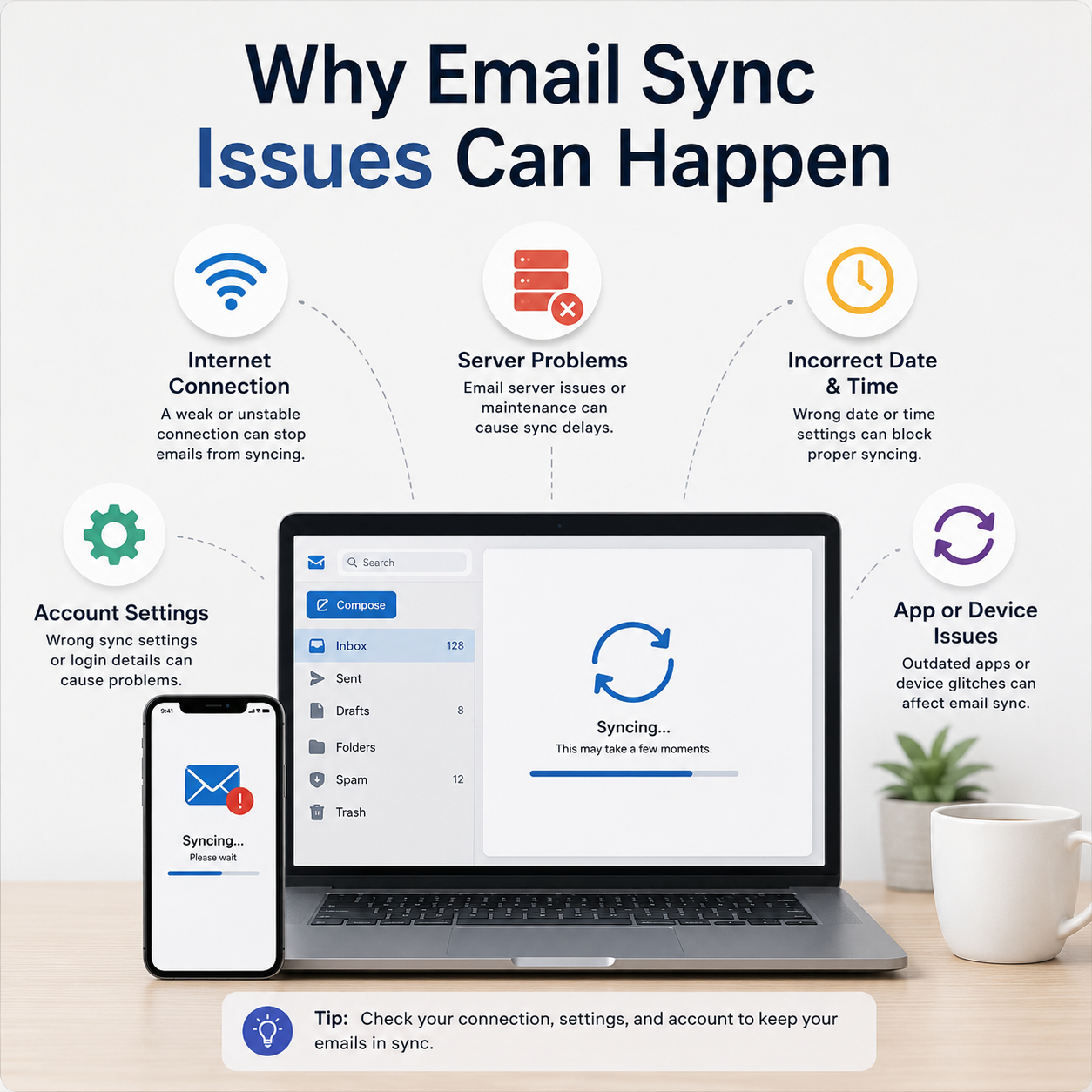
Why Email Sync Issues Can Happen
Explore how inbox updates, account access, sync settings, spam folders, and mail app behavior are commonly understood.
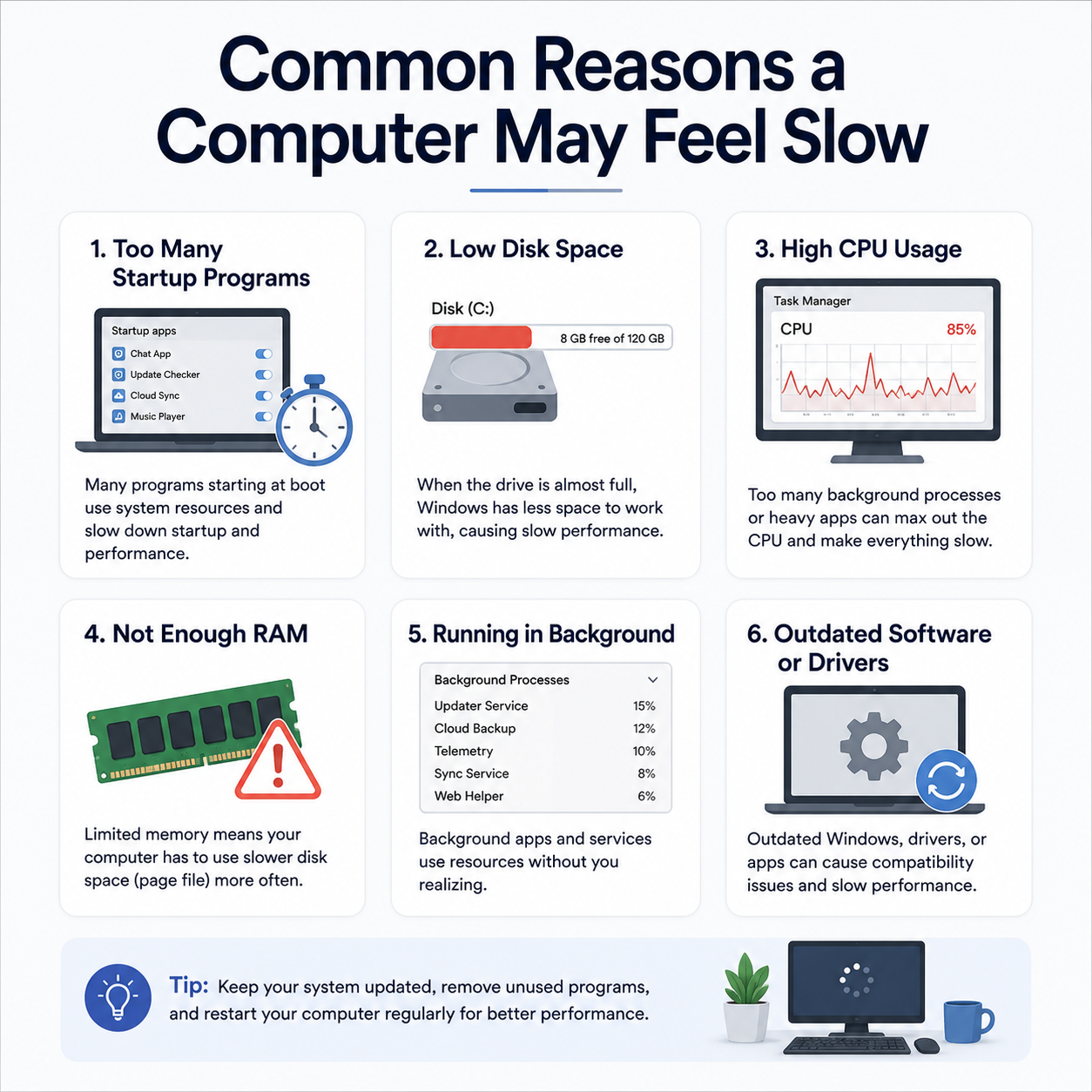
Common Reasons a PC May Feel Slow
Learn how startup programs, storage usage, memory consumption, background processes, updates, and system resources can affect performance.
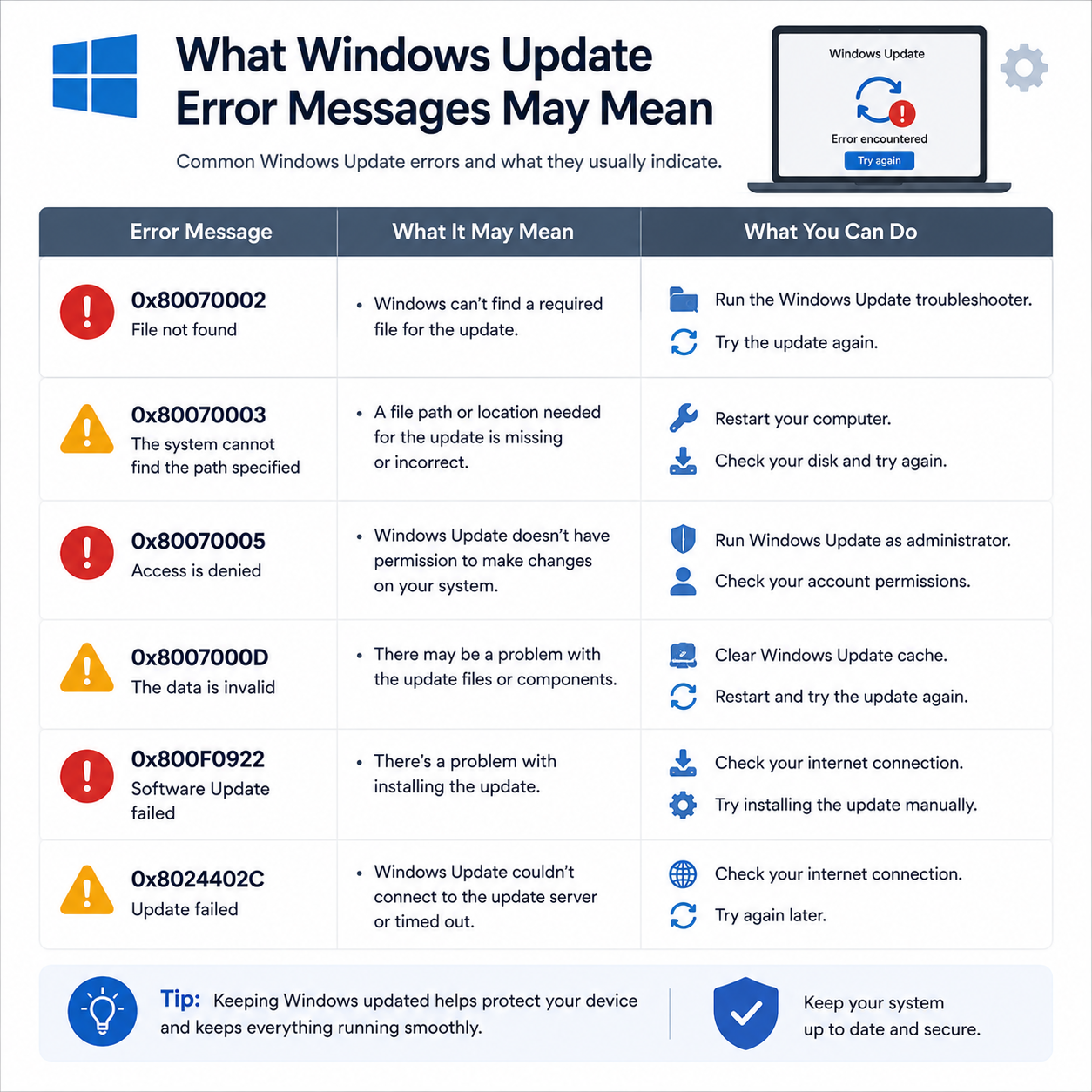
What Windows Update Error Messages May Mean
Understand update status, pending messages, restart prompts, update history, and common update-related terms.

Understanding Wireless Network Security Settings
Learn about Wi-Fi network security types, SSID settings, WPA2/WPA3 encryptions, and basic wireless router logins.

Understanding Browser Certificate Warnings
Learn what browser SSL certificate warnings mean, how HTTPS protocols secure pages, and why connection errors appear.

Understanding Email Sync Port Configurations
Learn what email port settings like 993, 465, and 587 mean, and how SSL/TLS encryption secures mail sync.

How the Windows Registry Stores Device Settings
Learn what the Windows Registry (regedit) is, how configuration keys store device driver settings, and why registry backups matter.

Understanding Device Manager Error Symbols
Learn what yellow exclamation marks, red crosses, and down arrows mean inside the Windows Device Manager utility.

Understanding DNS and IP Address Resolution
Learn how Domain Name System (DNS) servers translate web addresses into IP addresses and why DNS cache flushes are performed.

Understanding Windows Update Services & BITS
Learn what Background Intelligent Transfer Service (BITS) and wuauserv mean and how they download Windows updates.

How to Share a Printer on Your Local Network
Learn how network sharing works for home printers, how to turn on Windows file and printer sharing, and locate IP paths.
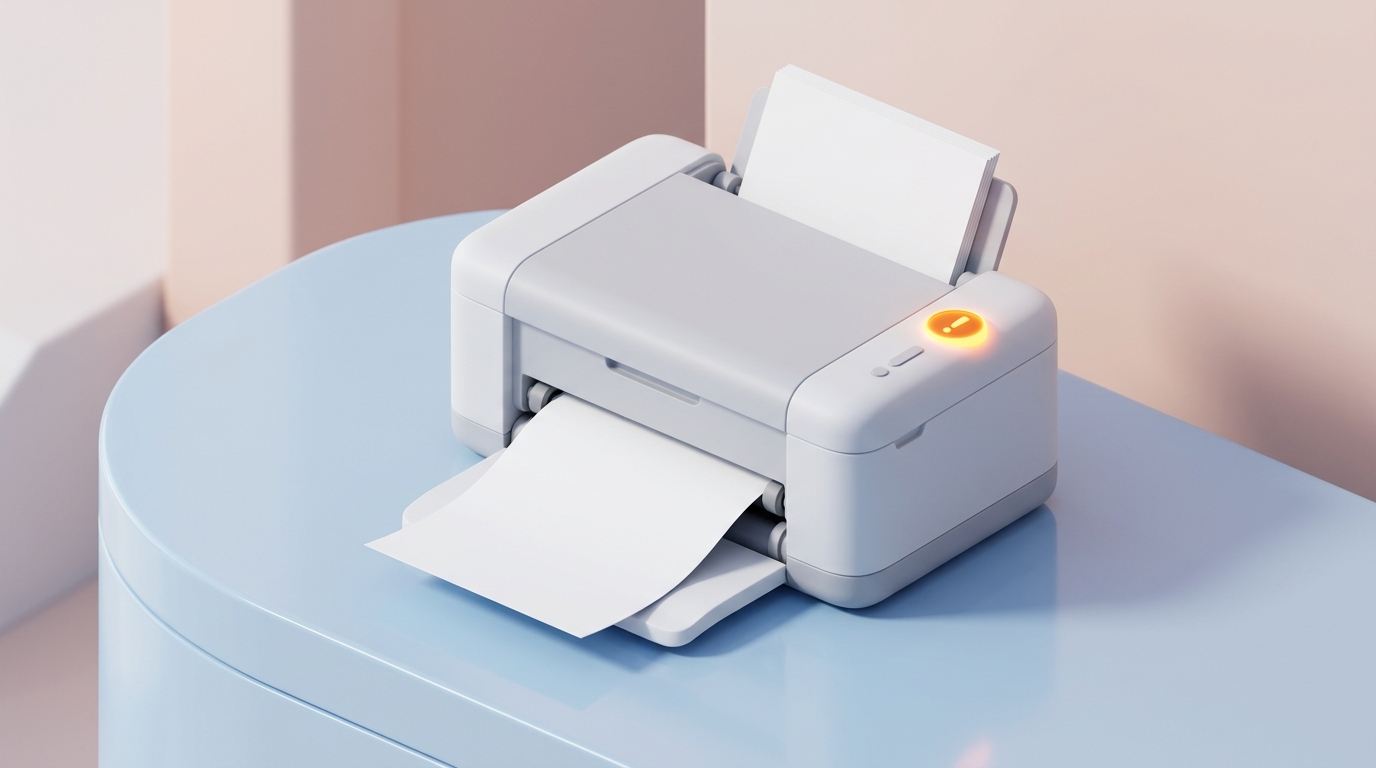
When Your Printer Only Prints Blank Pages
Learn common reasons why printers output blank sheets, covering dry ink cartridges, clogged nozzle heads, and driver print files.
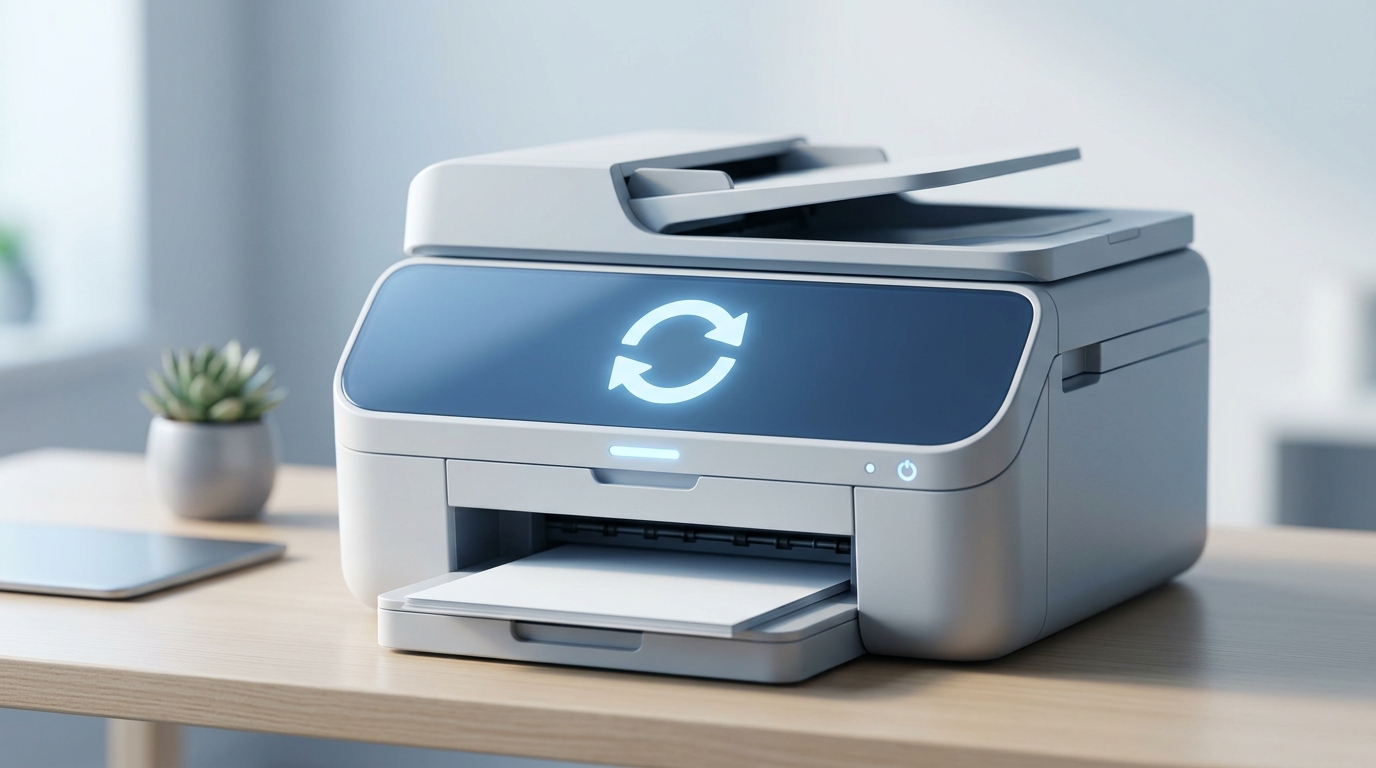
How to Reset Your Printer to Factory Default Settings
Learn how factory resets clear cached printer settings, restore network cards, and wipe corrupted offline configurations.